Okrabook AI
AI that does the admin, so your coaches can coach
It answers parents when you are on poolside, writes the emails and feedback nobody gets round to, tells you who has stopped coming, and answers questions about your own academy. It is built into Okrabook, so there is nothing to set up: you choose what is switched on and who can use it.
What it does for you
Four groups: one that talks to your parents, three that take work off your team. Each one sits where the job already happens, on the class, the register, the report or the search box.
A customer-facing assistant for parents and members, trained on your FAQs and academy structure. Enquiries arrive after the office has shut, and they wait until morning. The support agent answers them as they come in — times, prices and every detail.
- AI customer support agent
Every class needs a blurb, every assessment needs feedback, every campaign needs an email, and all of it lands on the same few people. The writing agent drafts them from a line of instruction, in your templates and your words. Nothing sends until someone on your team approves it.
- Write descriptions
- Draft assessment feedback
- Compose emails
Tools that read your reports, profiles, registers and surveys, and tell you what they mean and who needs a call.
- Explain reports
- Attendance watch
- Who to call first
Tools that let anyone on your team find anything and learn anything by just asking.
- Staff assistant
- AI search
- Help bubble
Meet your Staff assistant
Ask it anything about your academy and it answers from your own records, the way a good office manager would. It keeps your past questions, runs reports and searches the help guide. Answers come from your academy's own records. Drafts are for your staff to edit.
Answers from your own records
All Okrabook AI features
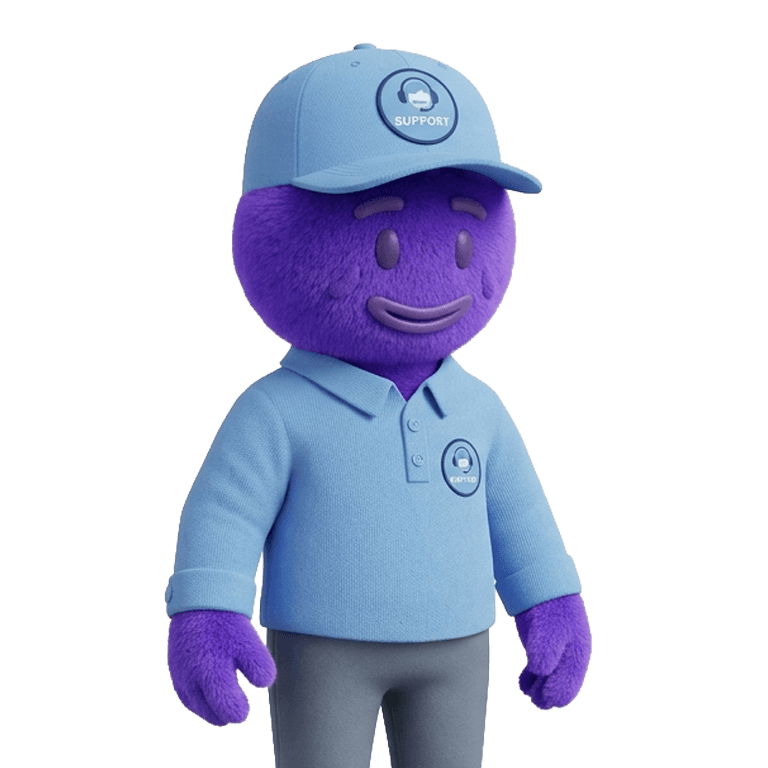
AI customer support agent
Answers parents at any hour — times, prices, what to bring — in your academy's own words, using your own FAQs.
Where you'll find it: Parent and member chat
Write descriptions
Writes the blurb for a class, camp, venue or product, so nobody stares at an empty box.
Where you'll find it: Description fields




Feature 1
Okrabook AI for every role
Owner
- Start Monday with a call listOpen a ranked list of members who may leave, with the reason and what to say on the call.
- Understand a report before a meetingPress the sparkle button on a report to see what the figures mean and what changed.
- See what changed at a glanceTurn on the dashboard panel that highlights what changed in the academy.
Front desk & admin
- “Why can this child not book?”Ask the Staff assistant. It works out from your records why the booking isn't going through.
- Find the right families fastType “girls under 10 who missed last week” and get the filtered list.
- Prepare for a parent callRead a short summary of the family's purchases, balance and engagement first.
Coaches
- Feedback after gradingsTurn your scores and comments into feedback parents can read, then edit it.
- Progress updates for parentsSummarise an athlete's attendance and assessment history.
- Shorter notesCondense long notes on an athlete into a quick summary.
You decide what it can do
Your academy decides what Okrabook AI can do and who can use it.
Switch each feature on or off
Your academy decides which features are on.
Choose who can use each one
Give each feature to the staff roles that need it.
Dashboard insights is off by default
The dashboard panel only appears once you turn it on.
Works in your language
The portal is available in 6 languages: English, Arabic, French, German, Thai and Simplified Chinese. Each person chooses their own, and Arabic is fully right-to-left.
Plans
See pricing for what's included in each plan.

Okrabook AI questions
Yes. Your academy can switch each Okrabook AI feature on or off.
Yes. Your academy chooses which staff roles can use each AI feature.
No. The Help bubble answers “how do I…” questions from the user guide and your academy's FAQ. It can't see bookings, payments or members.
From your academy's own records in Okrabook. It can also run reports and search the help guide, and it can work out why a session isn't showing or why someone can't book.
No. Emails, progress notes, assessment feedback and report summaries are drafts for your staff to edit.
English, Arabic, French, German, Thai and Simplified Chinese. The whole portal, staff and parent side, is translated, each person chooses their own language, and Arabic is fully right-to-left. All 6 languages are included on every plan.
See Okrabook AI on your own academy data
A demo walks through the features your team would use most.